10 Best PLC HMI Control Panels for Industrial Automation
Industrial automation depends on fast, dependable decisions at the machine level. A Plc Hmi Control Panel brings programmable logic control and operator visibility together, helping teams monitor alarms, adjust setpoints, and respond to faults from one workstation. The right panel can make a production line easier to understand. The wrong one can add friction.
Rockwell Automation’s 2024 State of Smart Manufacturing Report surveyed 1,560 manufacturers across 17 countries. It found that 95% had invested, or planned to invest, in artificial intelligence and machine learning within five years. That finding reflects growing interest in connected operations, but it does not mean every facility needs the same interface. A food-processing line, a water-treatment plant, and a packaging cell face different operating conditions.
This guide compares ten PLC HMI control panels for industrial automation. It considers display size, control compatibility, communication options, environmental protection, and ease of maintenance. A bright touchscreen may look impressive in a showroom. On a dusty floor, glove-friendly controls and clear alarm visibility may matter more. Small details count.
The list is a practical starting point, not a universal ranking. Product availability and specifications can change, and final selection should be checked against the machine design and site conditions. No panel is perfect. That is worth remembering.
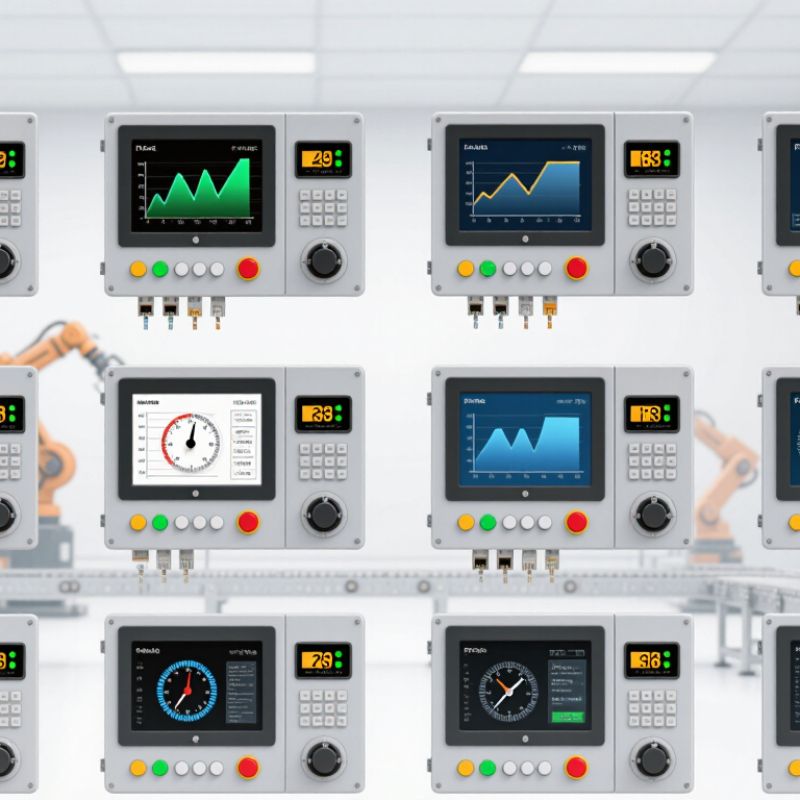
Understanding PLC HMI Control Panels and Their Role in Automation
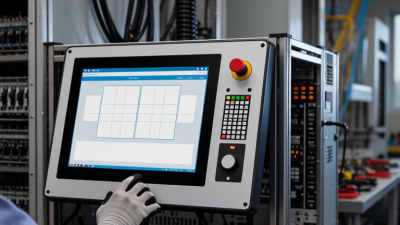
A PLC HMI control panel brings machine logic and operator interaction into one working system. The PLC reads inputs from sensors, push buttons, and switches, then controls outputs such as valves and motor starters. The HMI presents key information on a screen, including machine status, process values, alarms, and operator controls. Together, they help people understand what a machine is doing and respond to changes without opening the electrical enclosure. Clear screens matter. A temperature value, for example, is more useful when its unit and acceptable range are visible nearby.
The panel’s usefulness depends on careful configuration, not just hardware selection. Alarm messages should describe the condition and point operators toward a sensible check, rather than display an unexplained code. Screen layouts should keep frequently used controls easy to find, while access to settings can be limited by role. During commissioning, teams can test input signals, confirm displayed values, and verify that each command produces the expected machine response. Small mismatches can cause real confusion. A tag named “Pump 2” on screen should correspond to the correct device in the field. Even a tidy interface may need revision after operators use it during a busy shift; that feedback is easy to overlook.
Ten PLC HMI Control Panels for Industrial Applications
A compact machine panel suits a conveyor or small packaging line, where operators need clear status and a few controls. A touchscreen panel makes recipes and alarms easier to navigate. A keypad-based panel can work better with gloves or frequent hand movements. Cabinet-door panels keep the display close to the PLC, while a separate operator station helps when the control cabinet sits away from the machine. Keep it readable.
For broader applications, consider a remote-I/O panel that connects displays to distributed equipment, and a modular panel that can expand as sensors or stations are added. A washdown-rated enclosure helps in areas with regular cleaning, but its rating must match the actual exposure. A multi-axis machine panel benefits from quick access to motion status and fault codes. A process-control panel should show useful trends, such as tank temperature and pump pressure. Small details matter.
The tenth option is a mobile operator panel for maintenance or equipment setup, provided the connection and access controls suit the site. Across all ten types, check screen size, viewing angle, enclosure conditions, and PLC communication before installation. Test alarm wording with the people who will use it during a real shift. A menu that seems obvious at a desk may feel awkward beside a running machine. That is easy to overlook. Short labels help, but overly simplified screens can hide useful context.
How to Select and Integrate a Control Panel into a System
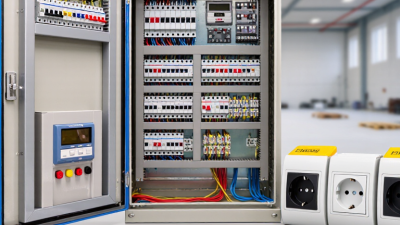
Selecting a PLC HMI control panel starts with the process, not the screen size. List each sensor, actuator, and required signal, then allow spare I/O for likely changes. Check supply voltage, operating temperature, enclosure rating, and available mounting space. A cabinet near washdown equipment needs different protection from one in a clean control room. Small details matter.
Match the HMI and PLC communication methods to the wider system. Confirm protocol support, update rates, and how alarms or recipes will move between devices. Draw a wiring plan before installation, including grounding, cable separation, and network routes. Keep noisy motor cables away from sensitive signal wiring. Label both ends. Clear labels save time during faults.
Test the panel with real devices where practical. Verify every input, output, alarm, and operator command, then check what happens after a power loss. Keep an approved program backup and document the final settings. A bench test helps, but it cannot reproduce every site condition. Leave room for commissioning adjustments; the first draft is rarely perfect.
PLC HMI Control Panel Selection: Common System Voltages
Typical nominal voltages used in industrial control and power circuits. Confirm the site supply and device ratings before selecting or integrating a panel.
These are common nominal system voltages, not a specification for every installation. Check voltage, phase, frequency, protection, and component compatibility against the project requirements.

 Intelligent Manufacturing / Industry 4.0
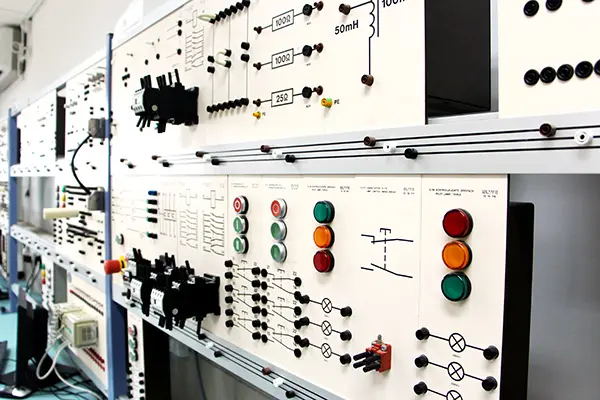 Motor Control Center MCC
 Data Center
 Environmental Industry
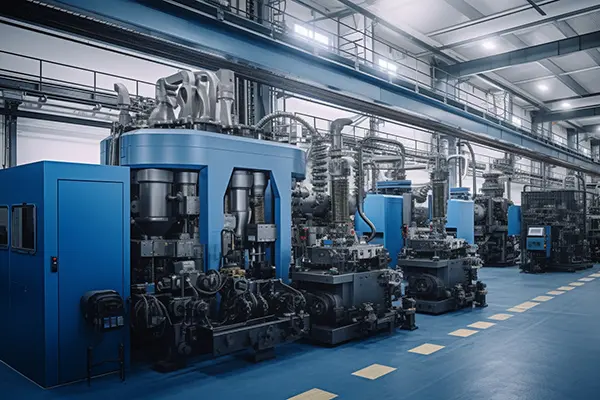 Industrial Machinery
 New Energy
 Pharmaceutical Manufacturing
 Petroleum & Chemical
 Marine & Offshore & Ship
 Food processing / agricultural production